
Industries / 05
Store, online and back-room stock, kept in step.
Shop floor, stockroom and online store selling from one inventory, with click-and-collect and transfers handled in the same system.
Sells through
Holds stock at
Makes
Buys finished goods
01 / What it does for you
The same system, applied to Retail.
Six of the seven modules, in the order they matter most for how your products move. Every subscription includes all of them.
Each store is a location
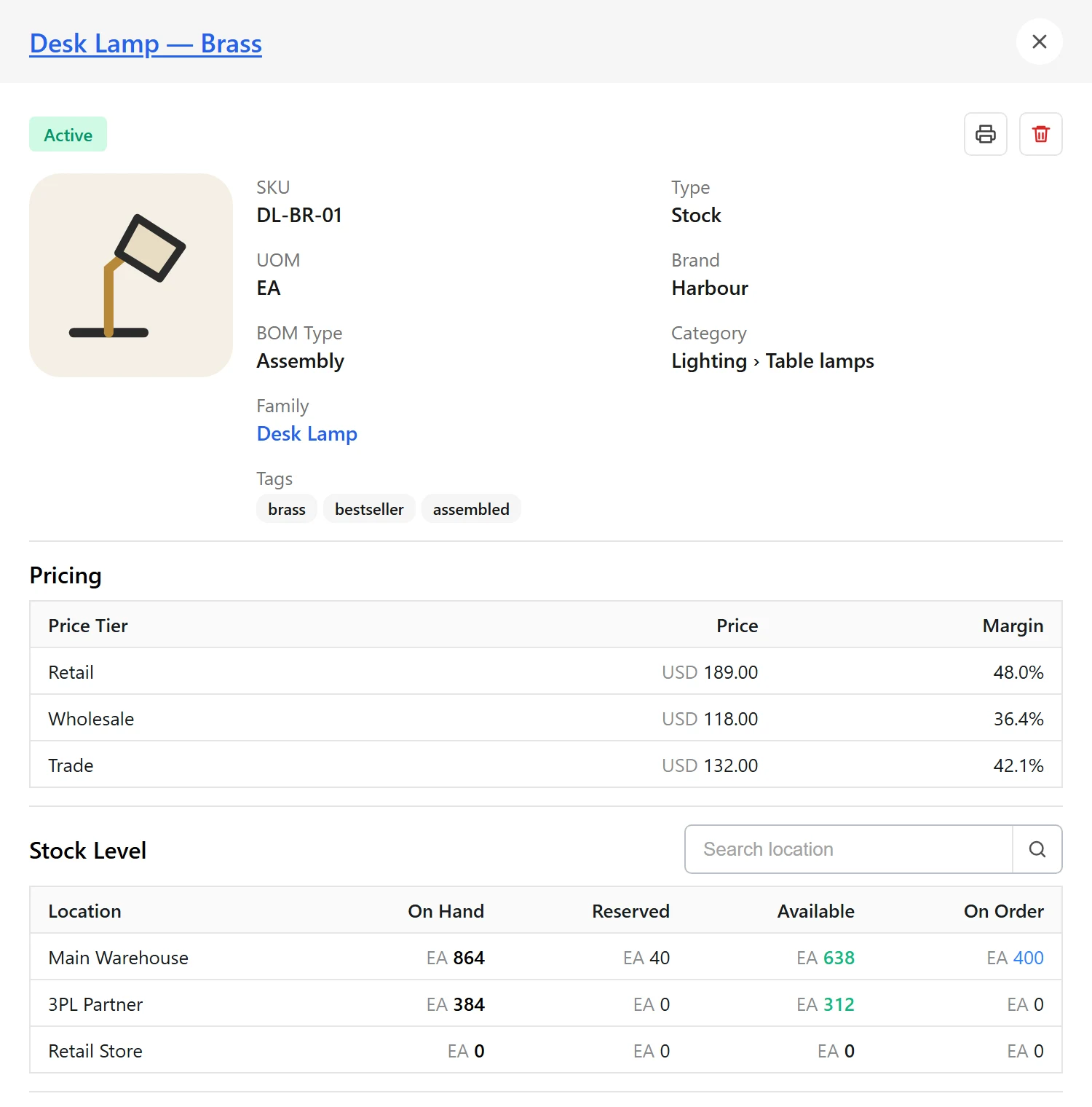
Shop floor, stockroom and warehouse stock visible per location and in total.
Online orders routed to store or warehouse
Routing rules decide; click-and-collect orders go to the store the customer chose.
Transfers between stores
Move stock to where it sells, with in-transit quantities visible.
Replenish by location
Purchase orders received into the store or warehouse that needs them.
Sell-through by location
Which products move in which stores and online.
Sales to the ledger
QuickBooks and Xero connections carry activity through.
02 / A typical flow
From the first purchase order to the last parcel.
01
Stock arrives at a location
Purchase orders received into the store or warehouse.
02
Sales from every front
Store, online and marketplace orders allocate from the same figures.
03
Rebalance
Transfer between locations as sales patterns change.
04 / Connections
The tools Retail businesses already run on
Each integration page lists what syncs and in which direction. Systems that aren’t listed connect through API and file-based integrations.
05 / Questions
Good questions.
Can my store be a fulfilment location?
Yes. A store is a location like any other, and routing rules can send online orders to it.
Does VentryHub connect to point of sale?
Shopify POS is in the integrations directory. Other POS systems connect through API and file-based integrations.
Something else? Contact us.
Other industries
See it on your numbers
Built around how your products move.
A demo walks through your channels, locations and current systems and shows how they fit together in VentryHub.